Tour
How QUERI works
Five short walkthroughs. Click the tabs or arrow buttons on any section.
1. Ask & check the sources
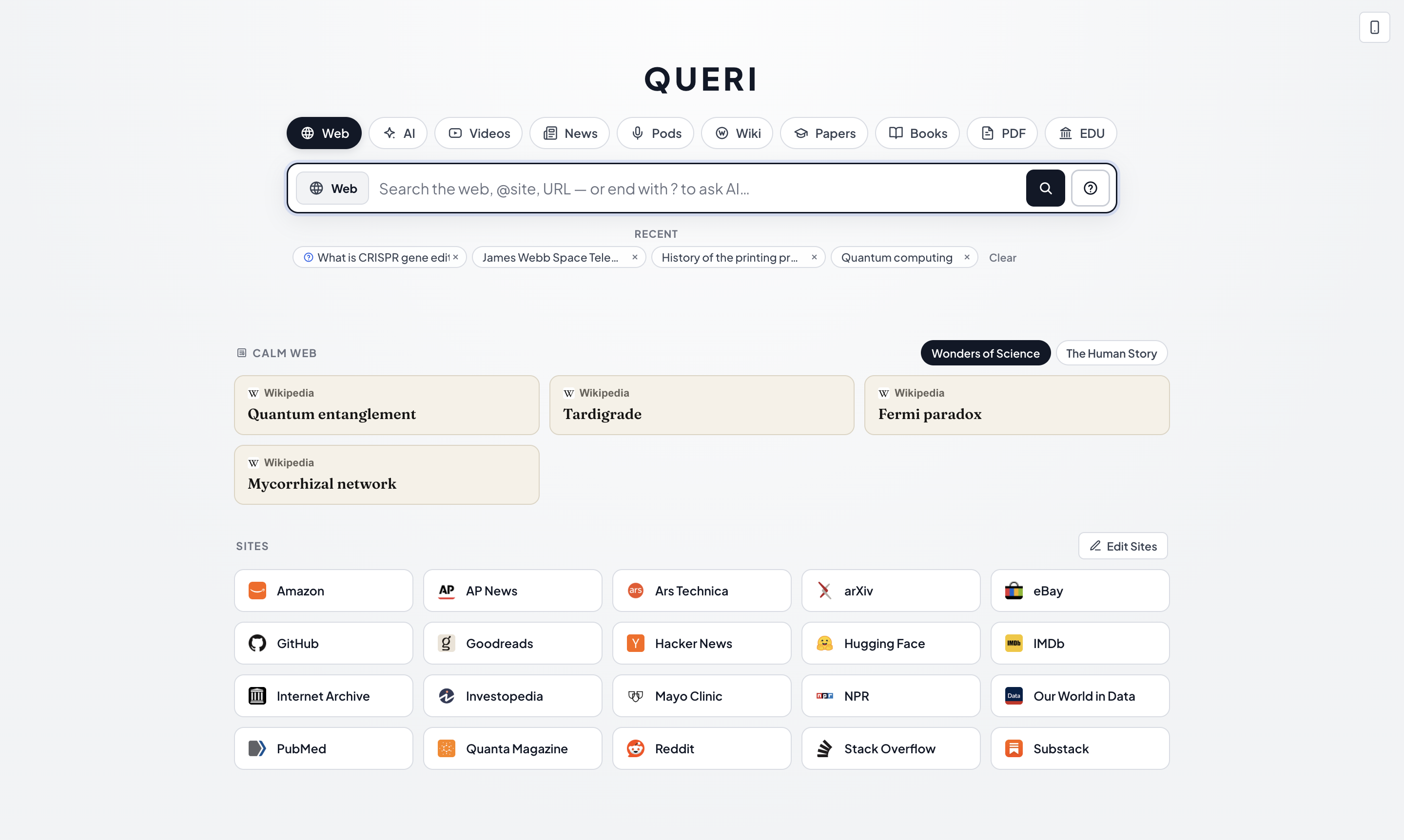
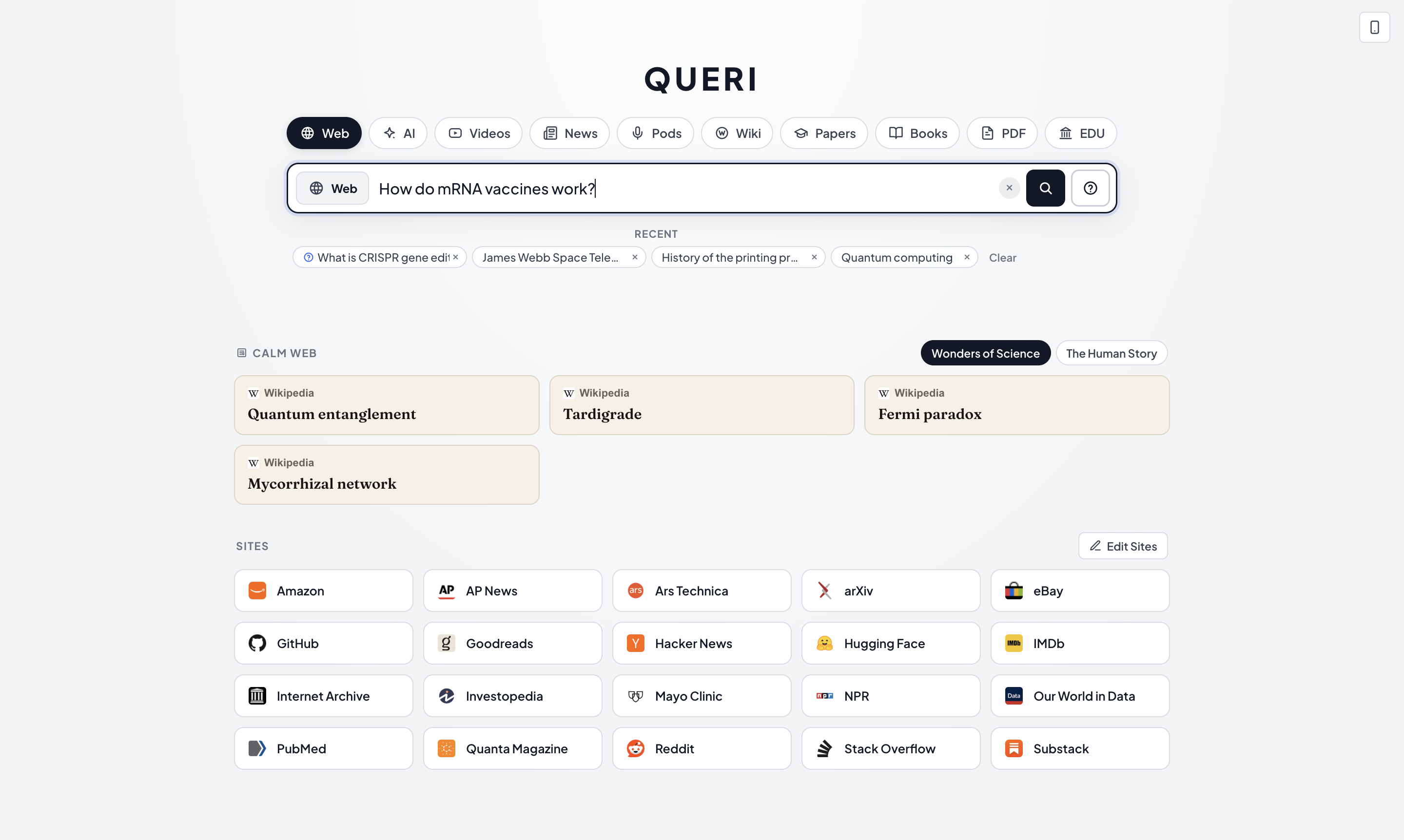
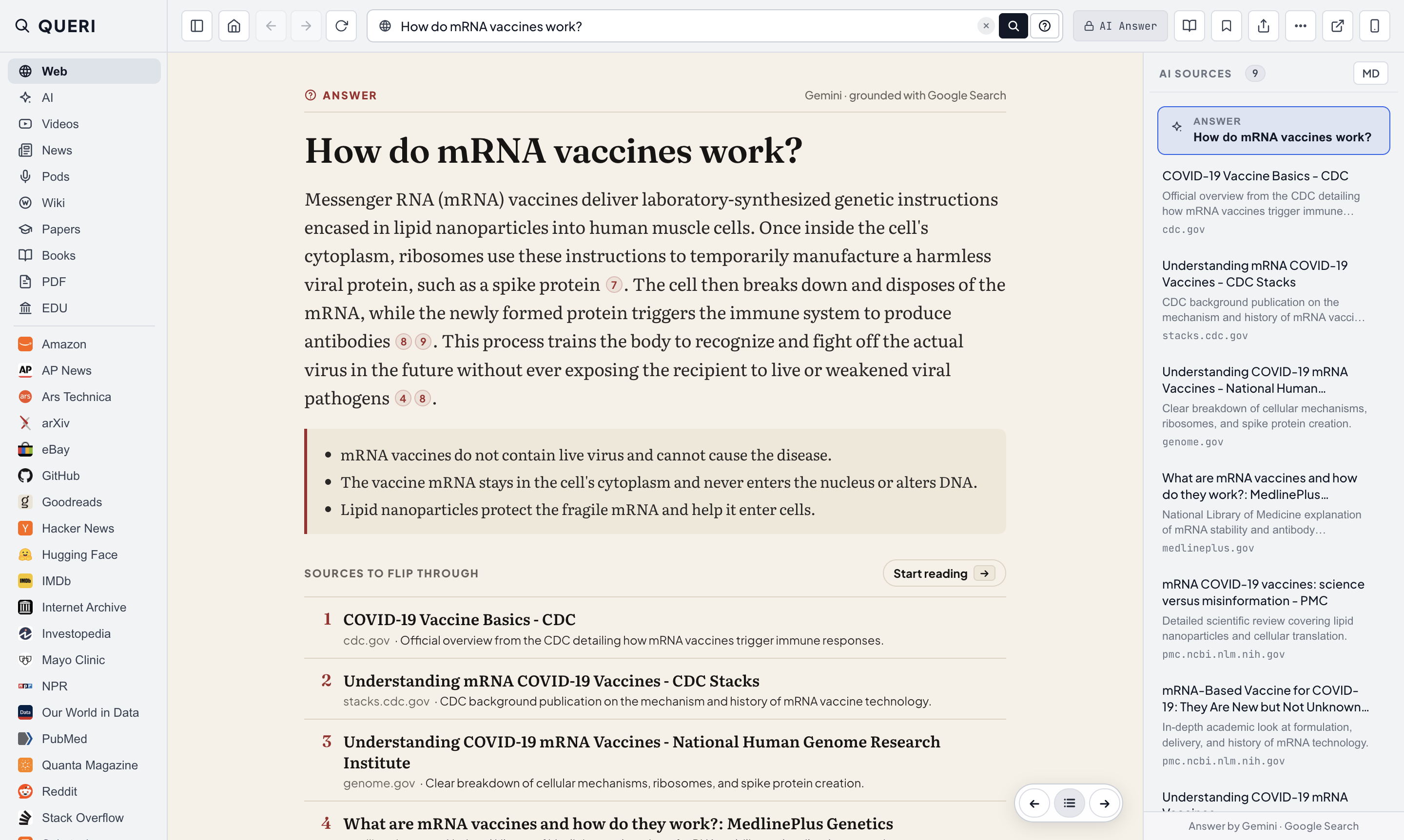
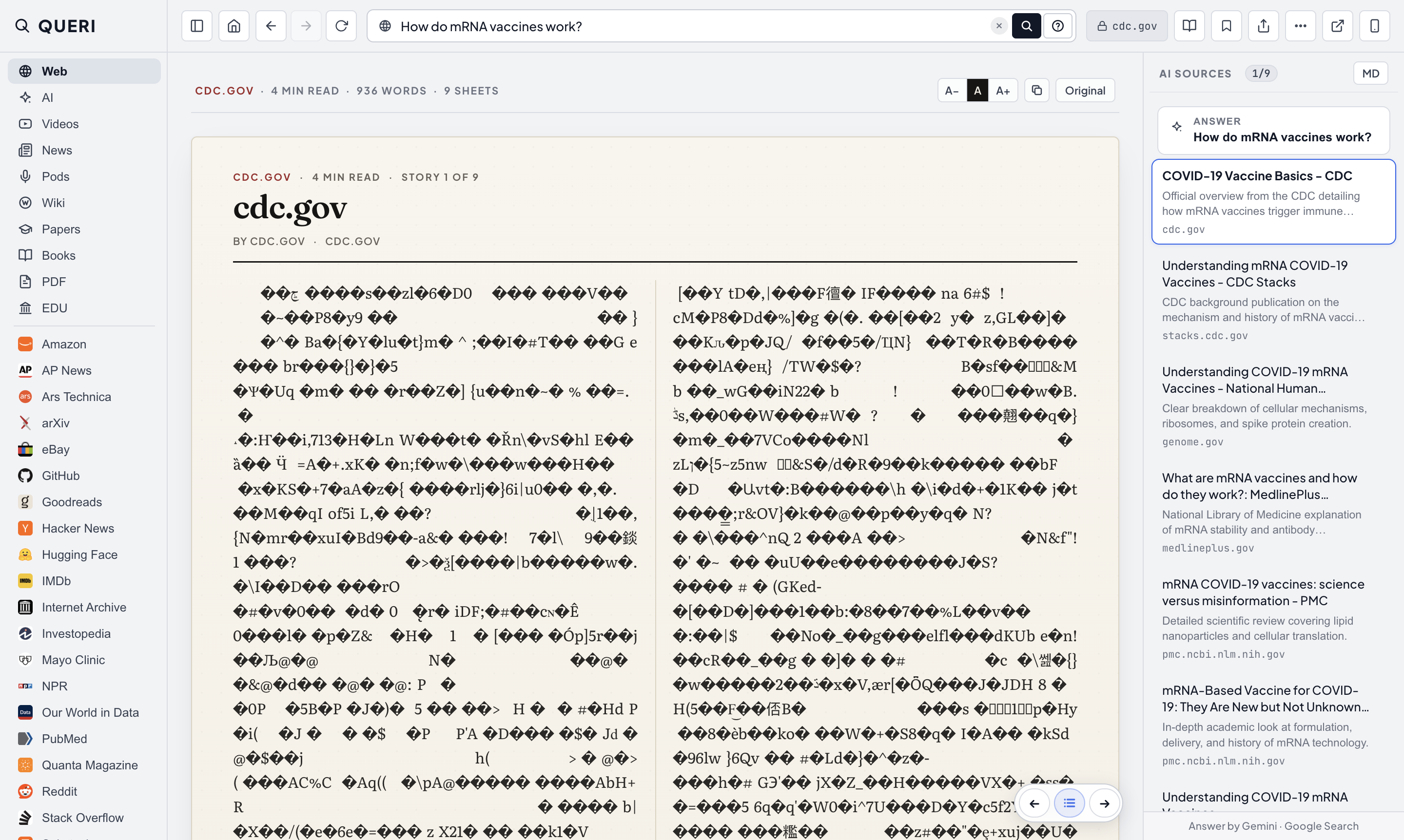
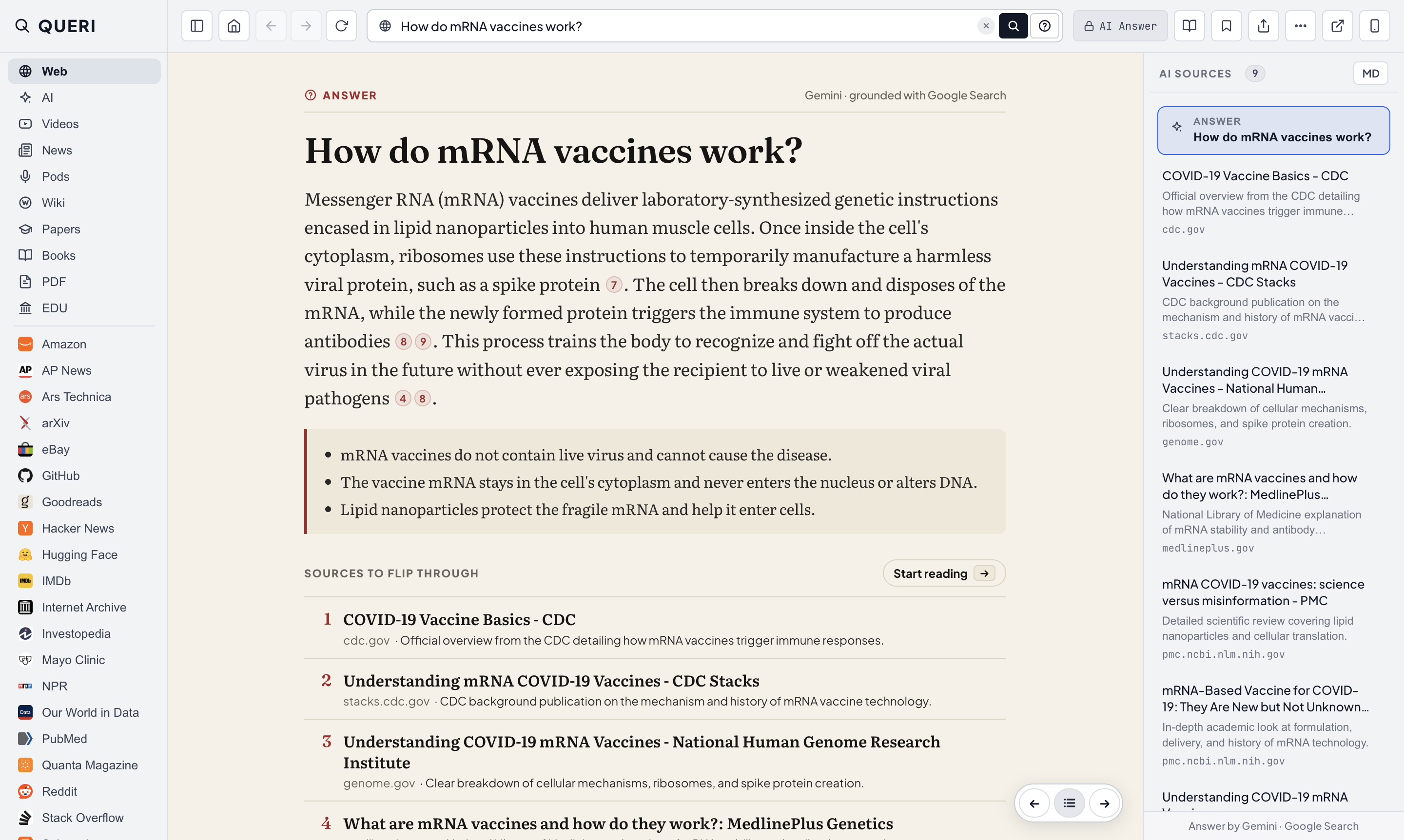
Get a short answer with numbered citations, then step directly into the cited pages.
Press Enter to open the top web result, or end with ? for a short cited answer.
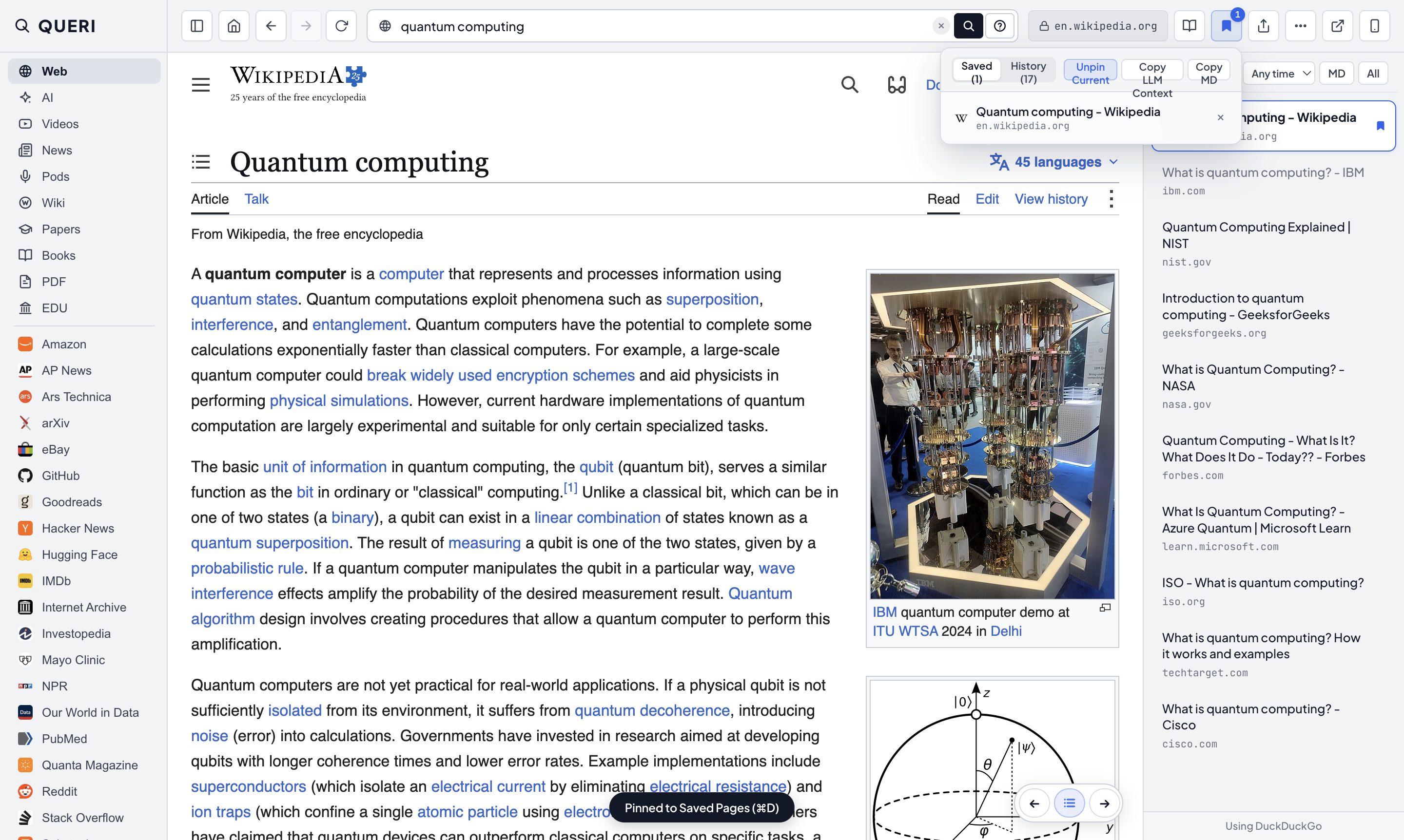
2. Flip through search results
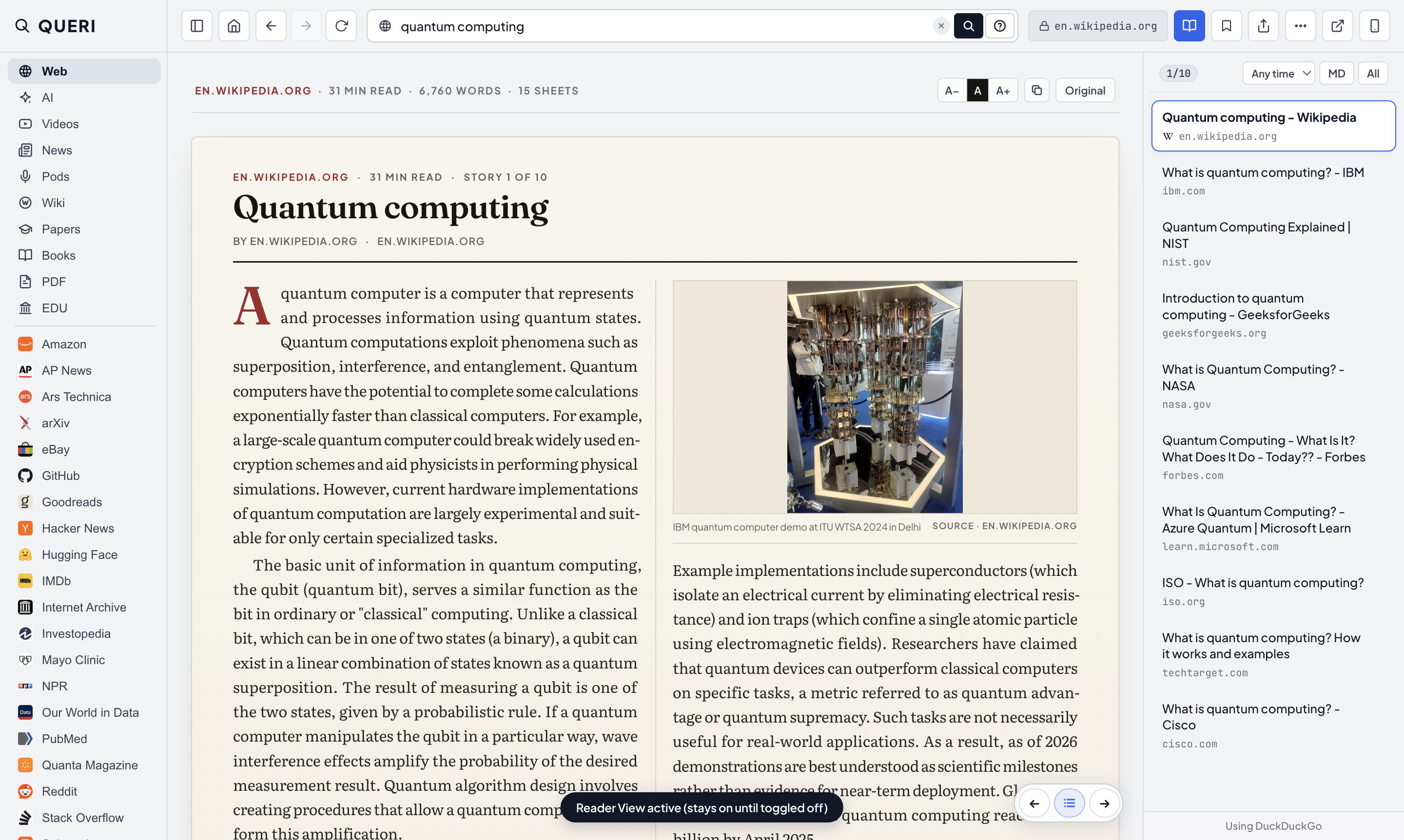
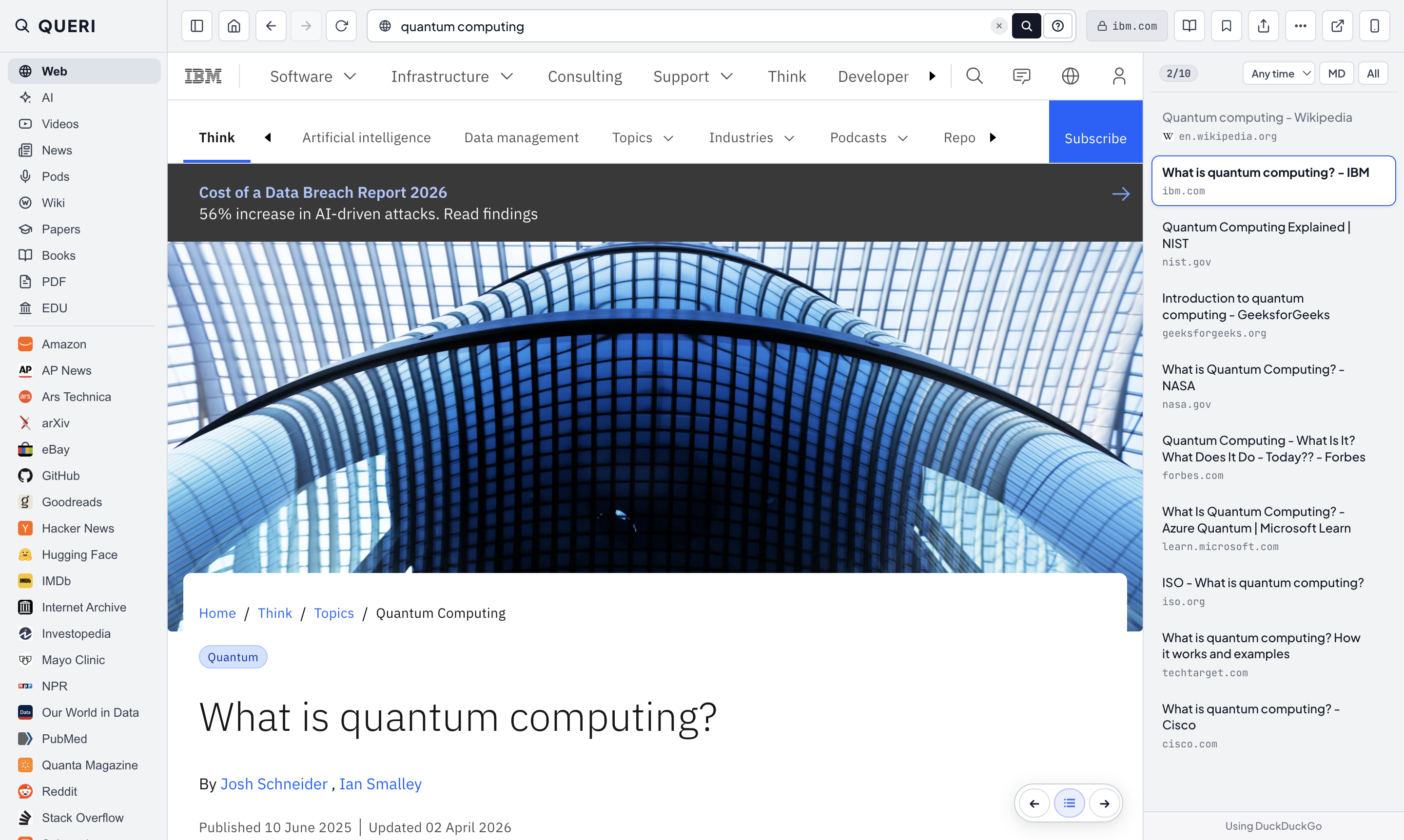
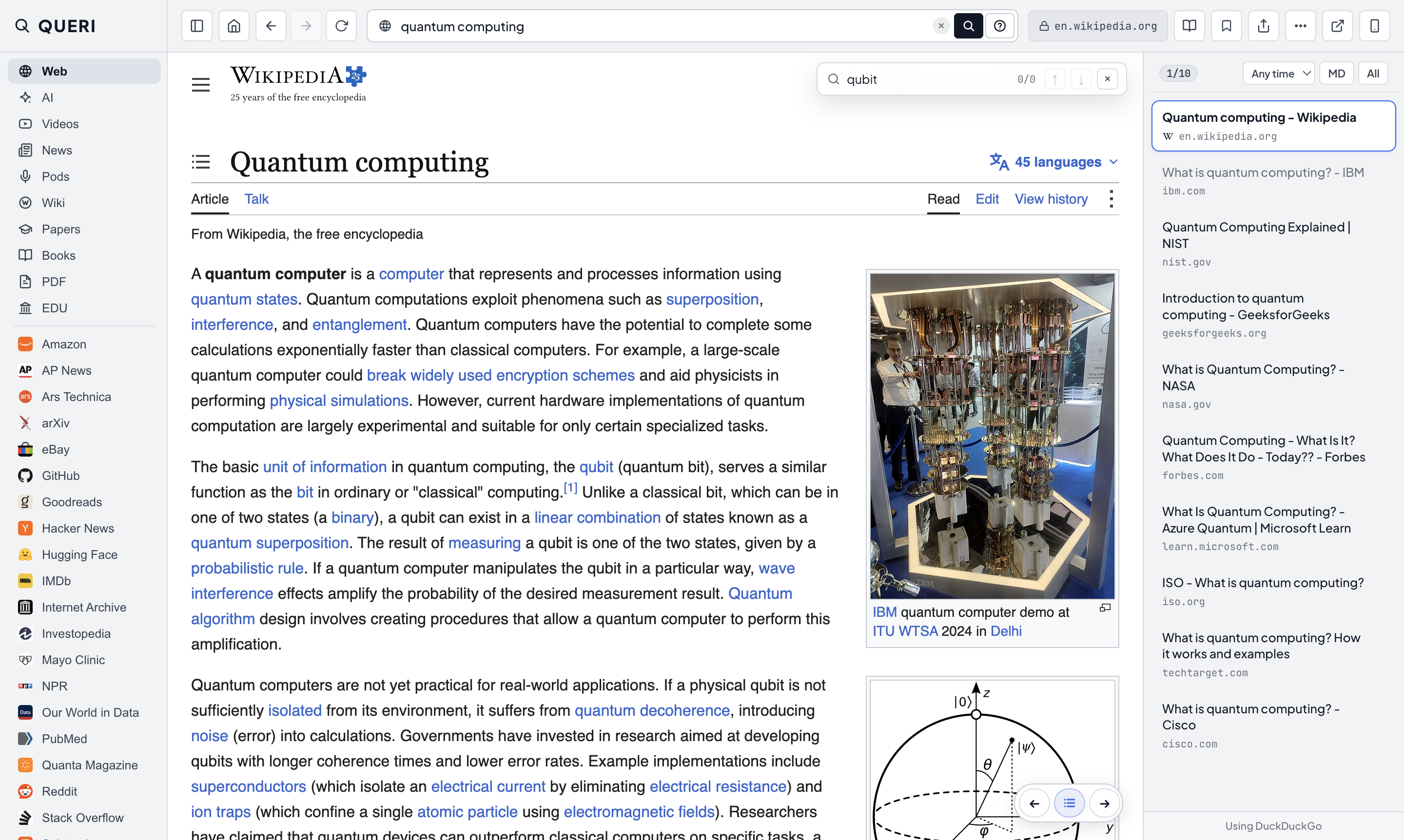
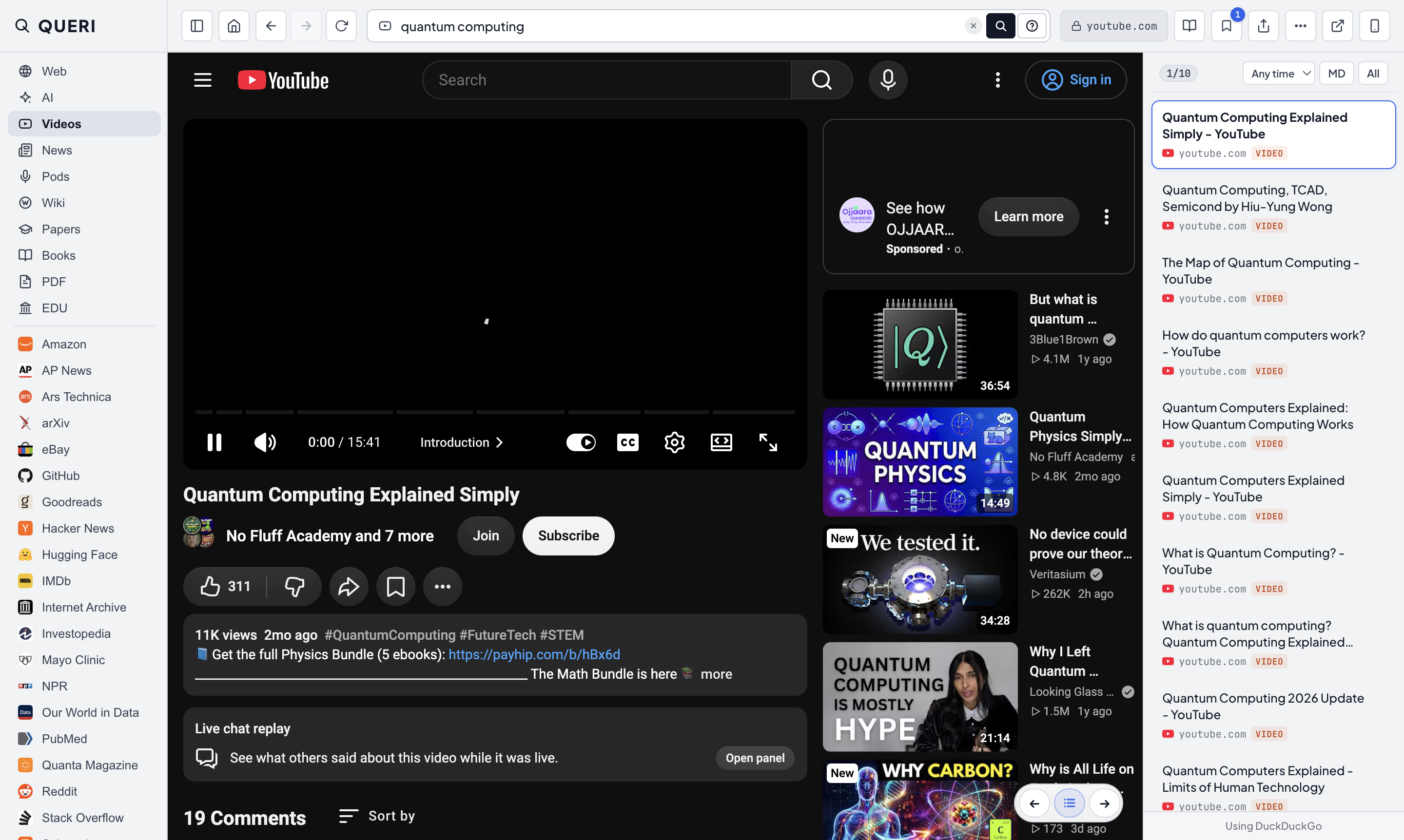
Result #1 opens right away. Press → and ← to step from page to page.
QUERI opens the first result in the center and lists the rest on the right.
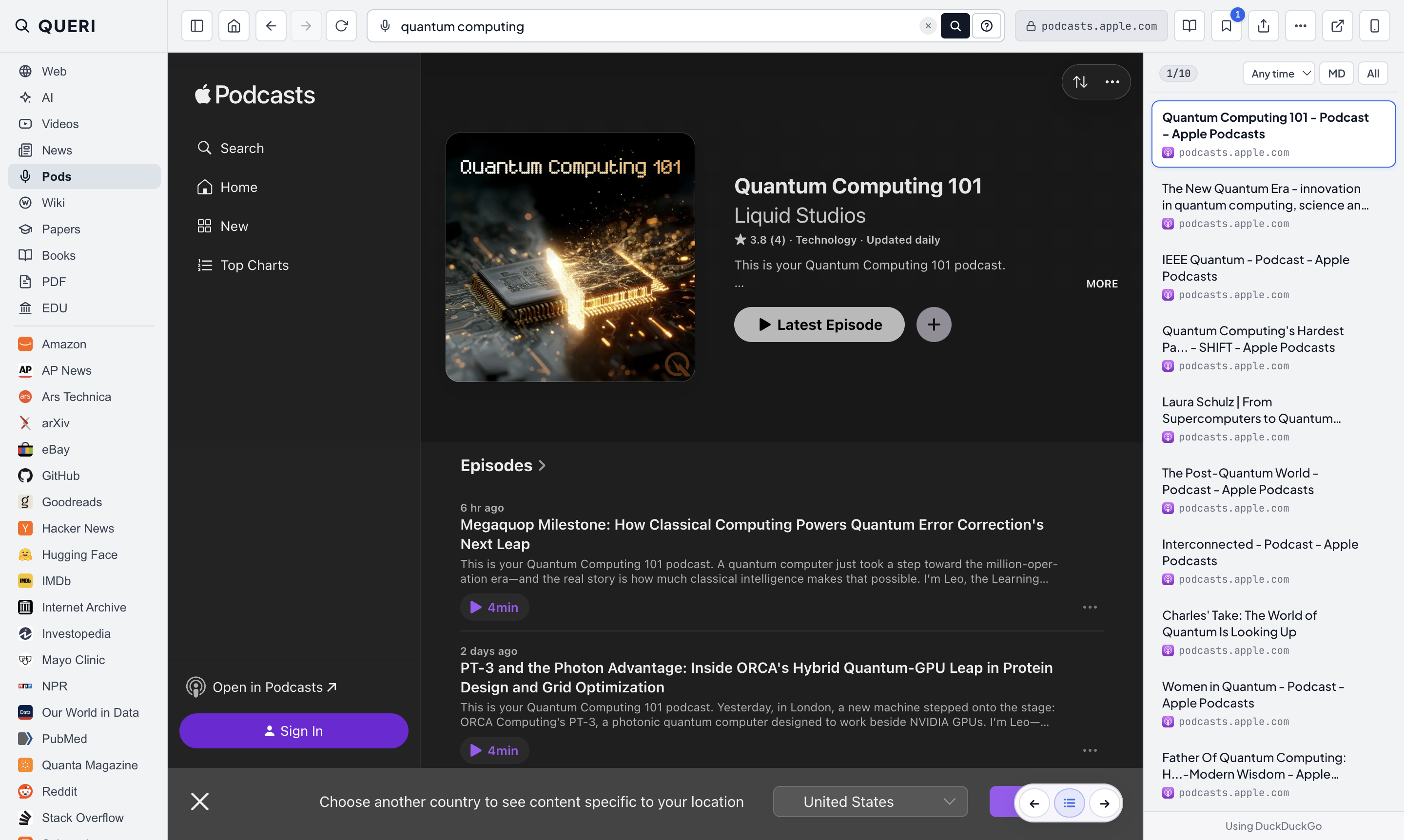
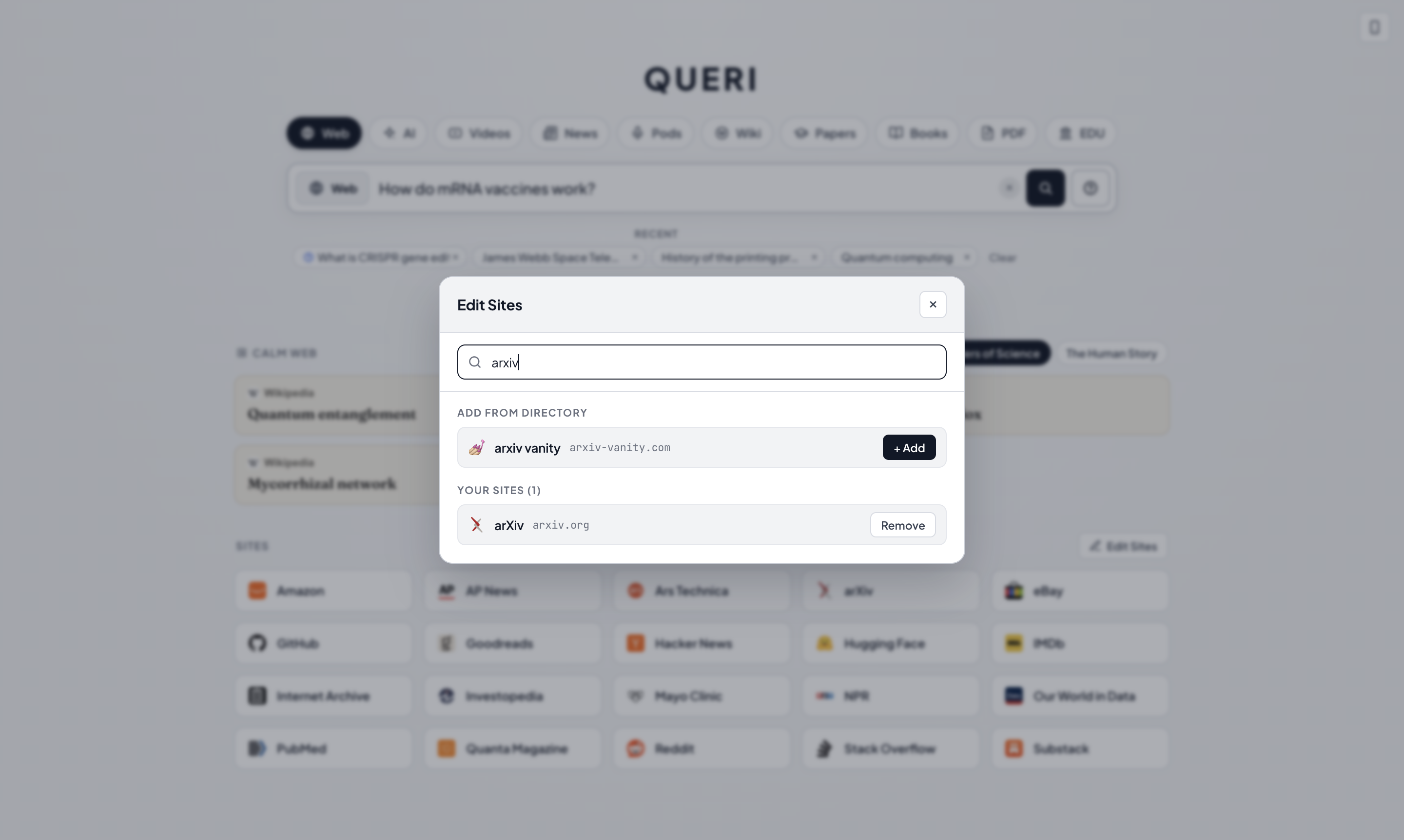
3. Switch modes or search 2,000+ sites
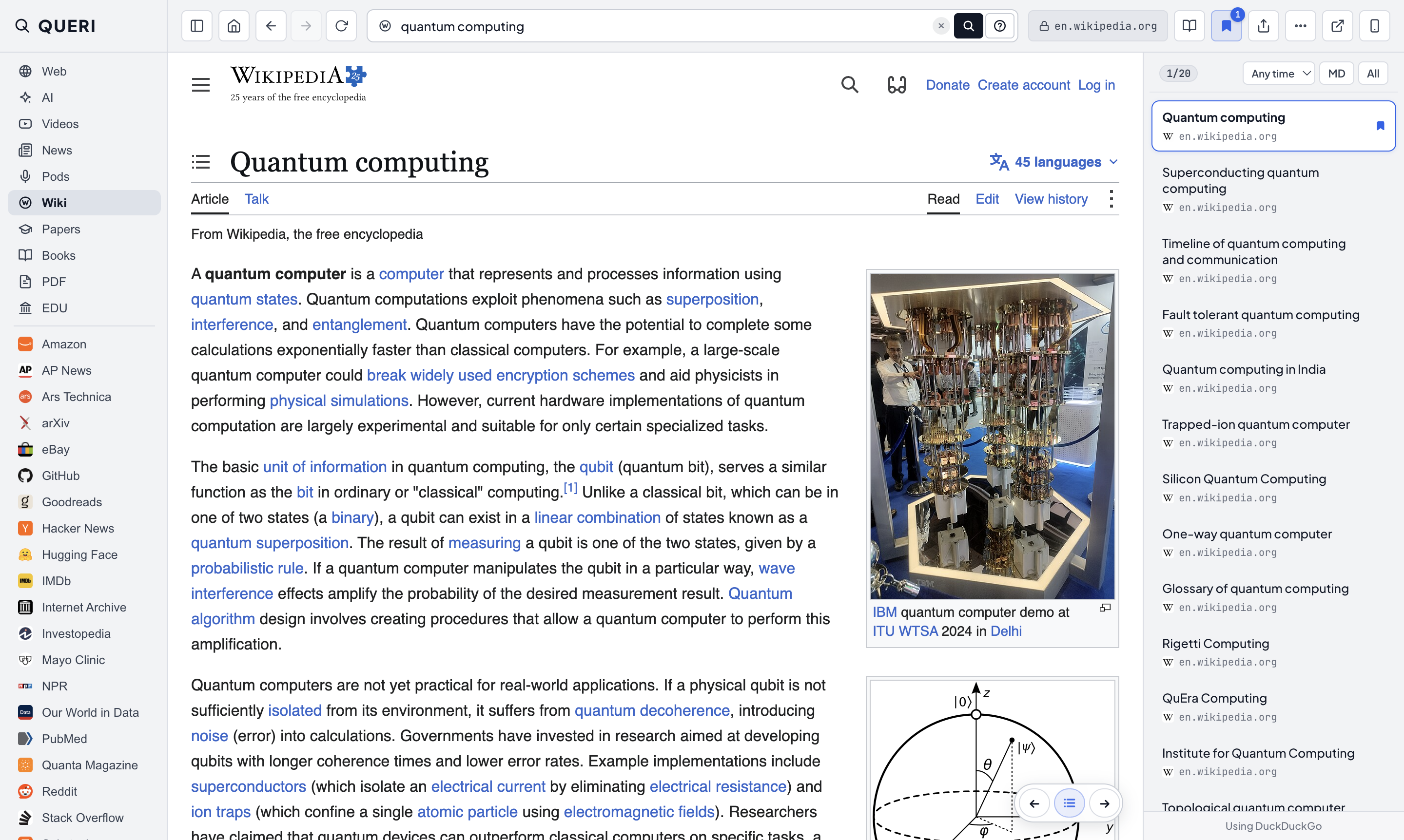
Keep the same query and switch between Web, AI, Wiki, Papers, Videos, Podcasts, or individual sites.
Short answers grounded in Google Search, with dead links filtered out.
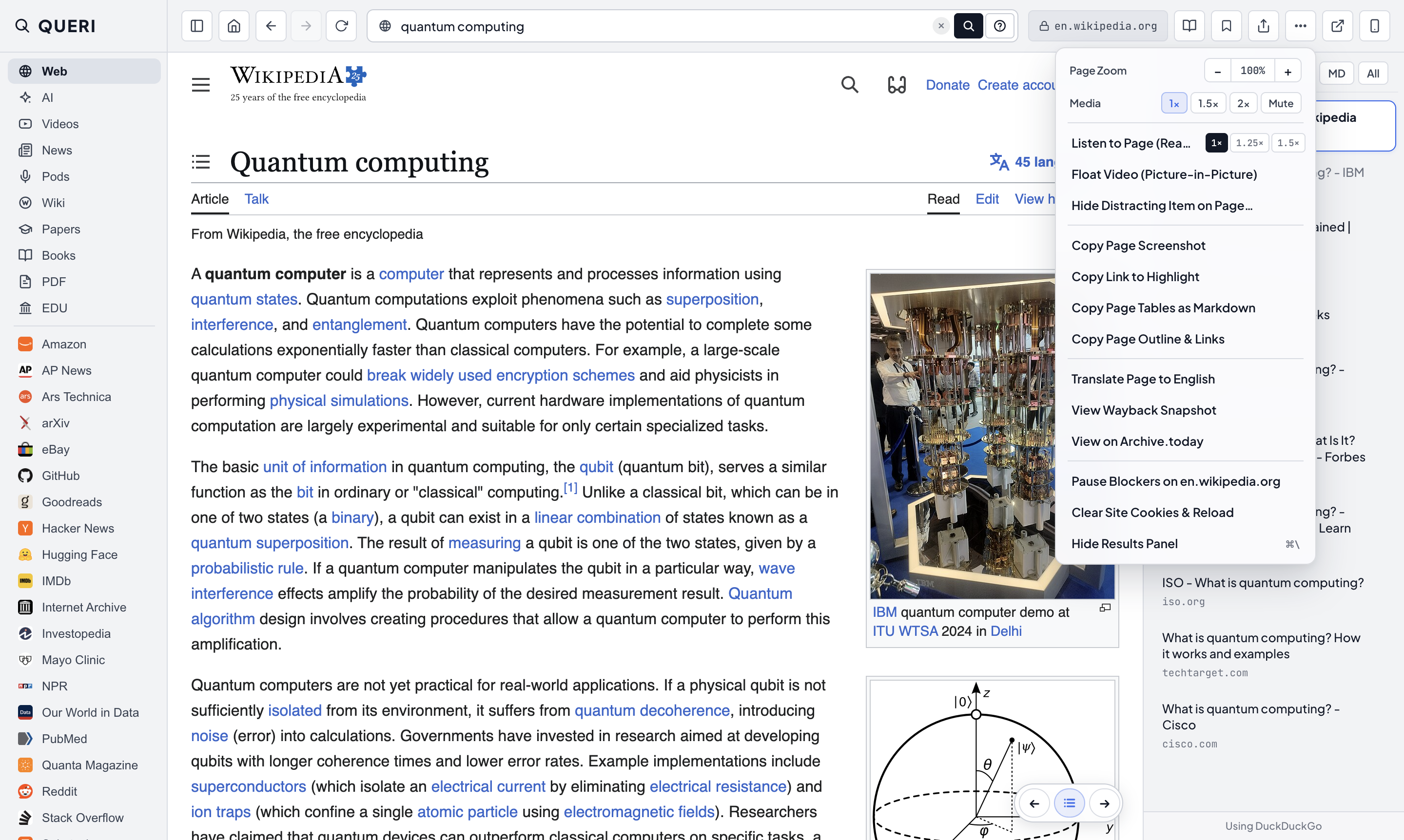
4. Two-column reader & note tools
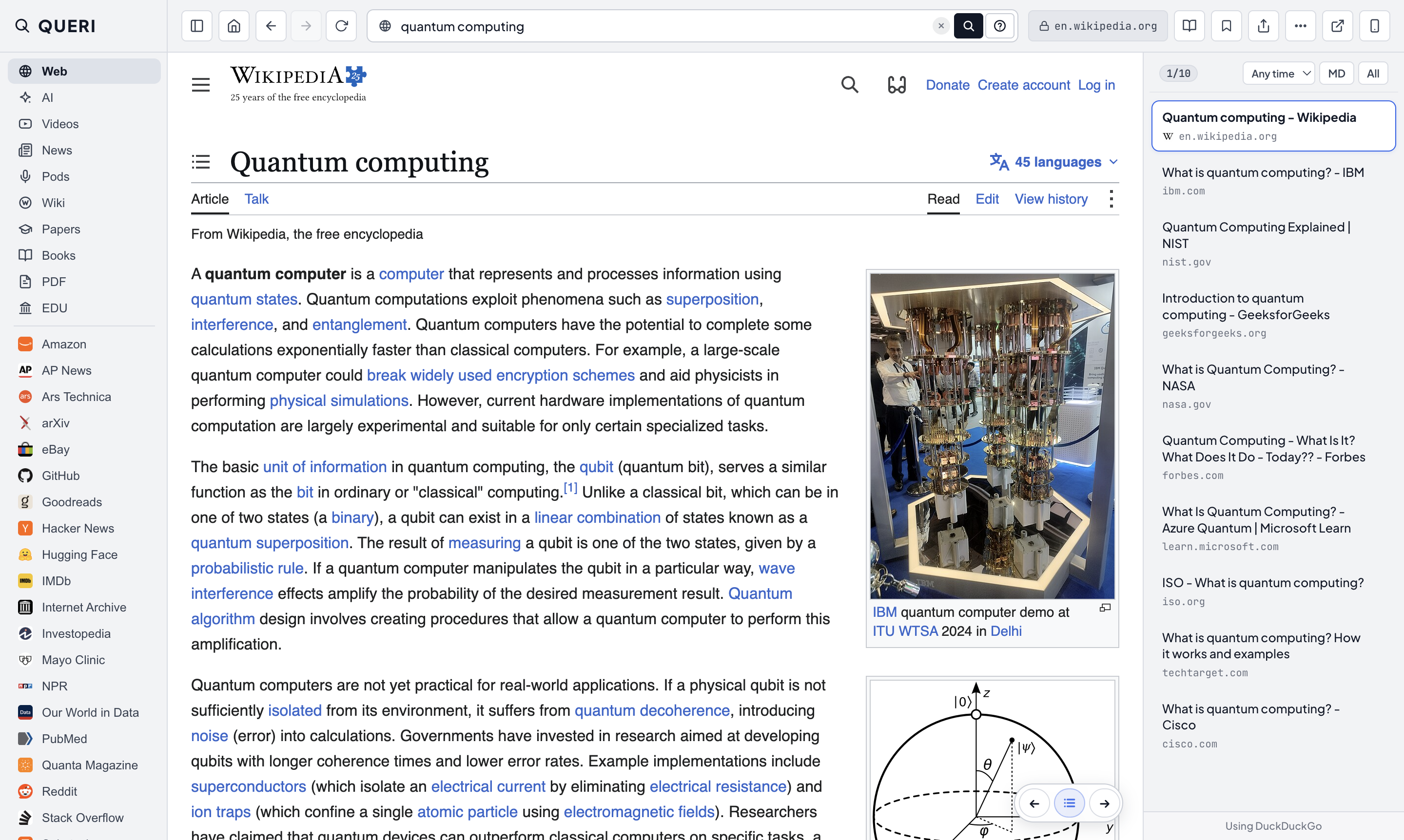
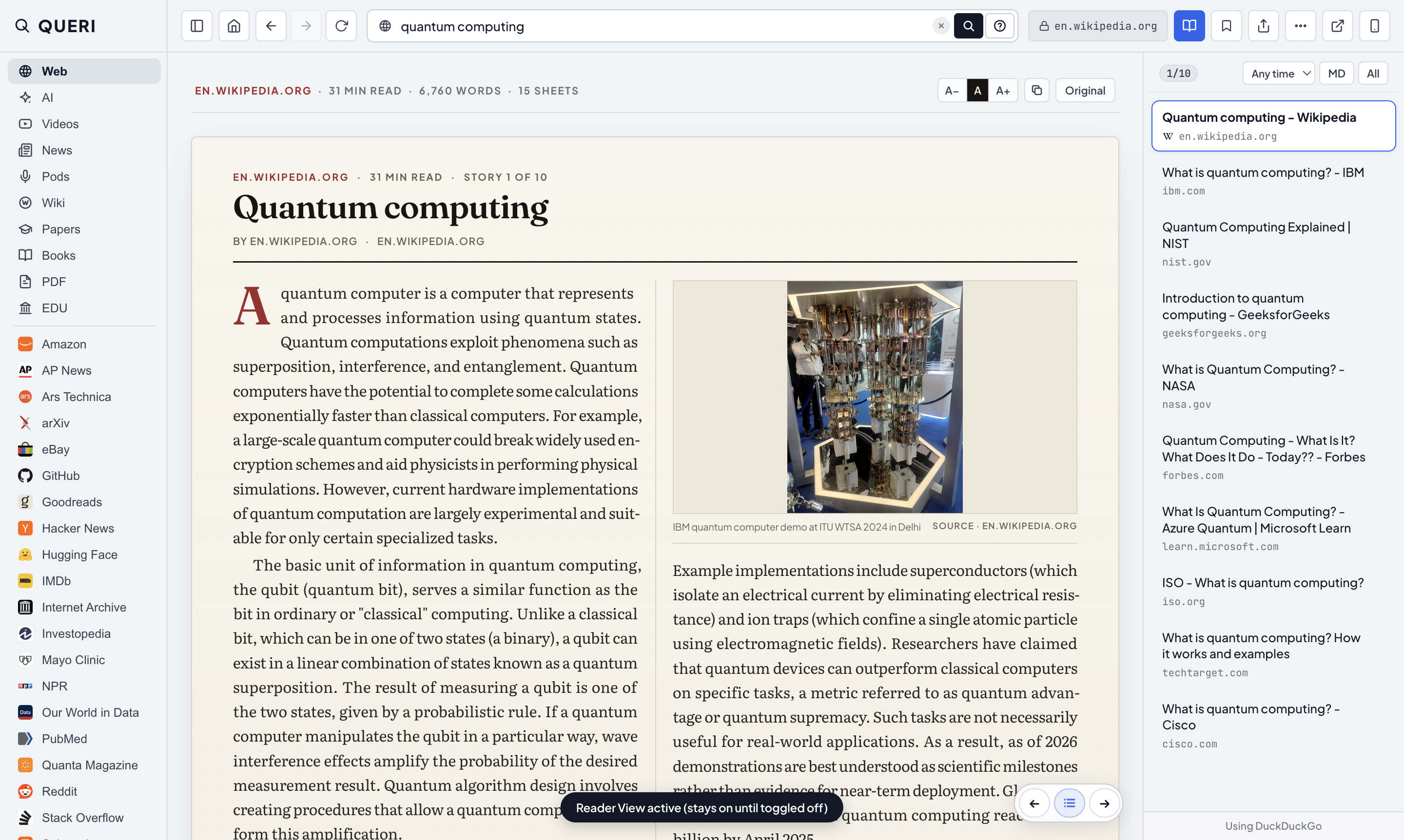
Typeset any article into two columns (⌘E), or copy tables, outlines, and quotes.
Strips sidebars and popups, setting the article in two columns on warm paper.
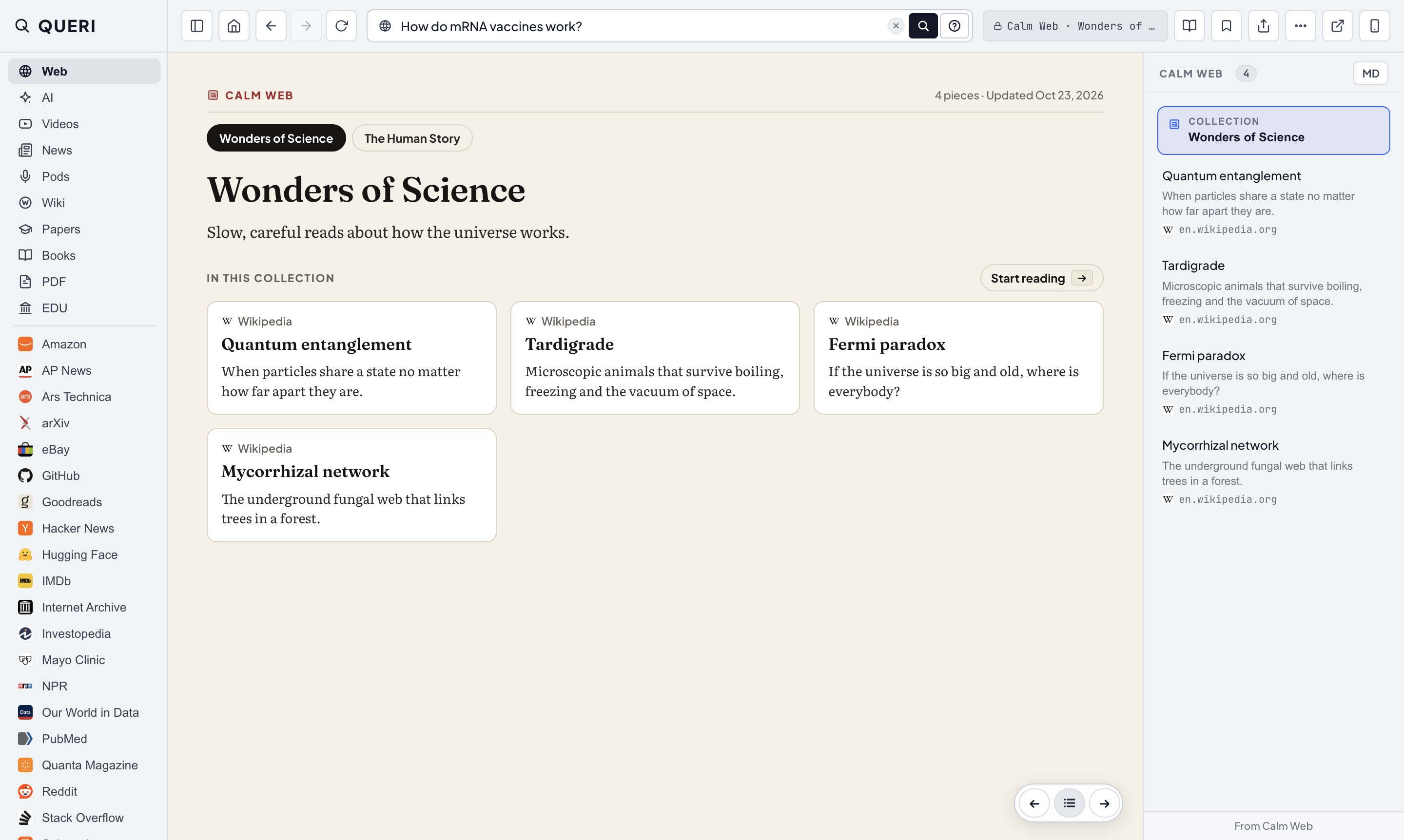
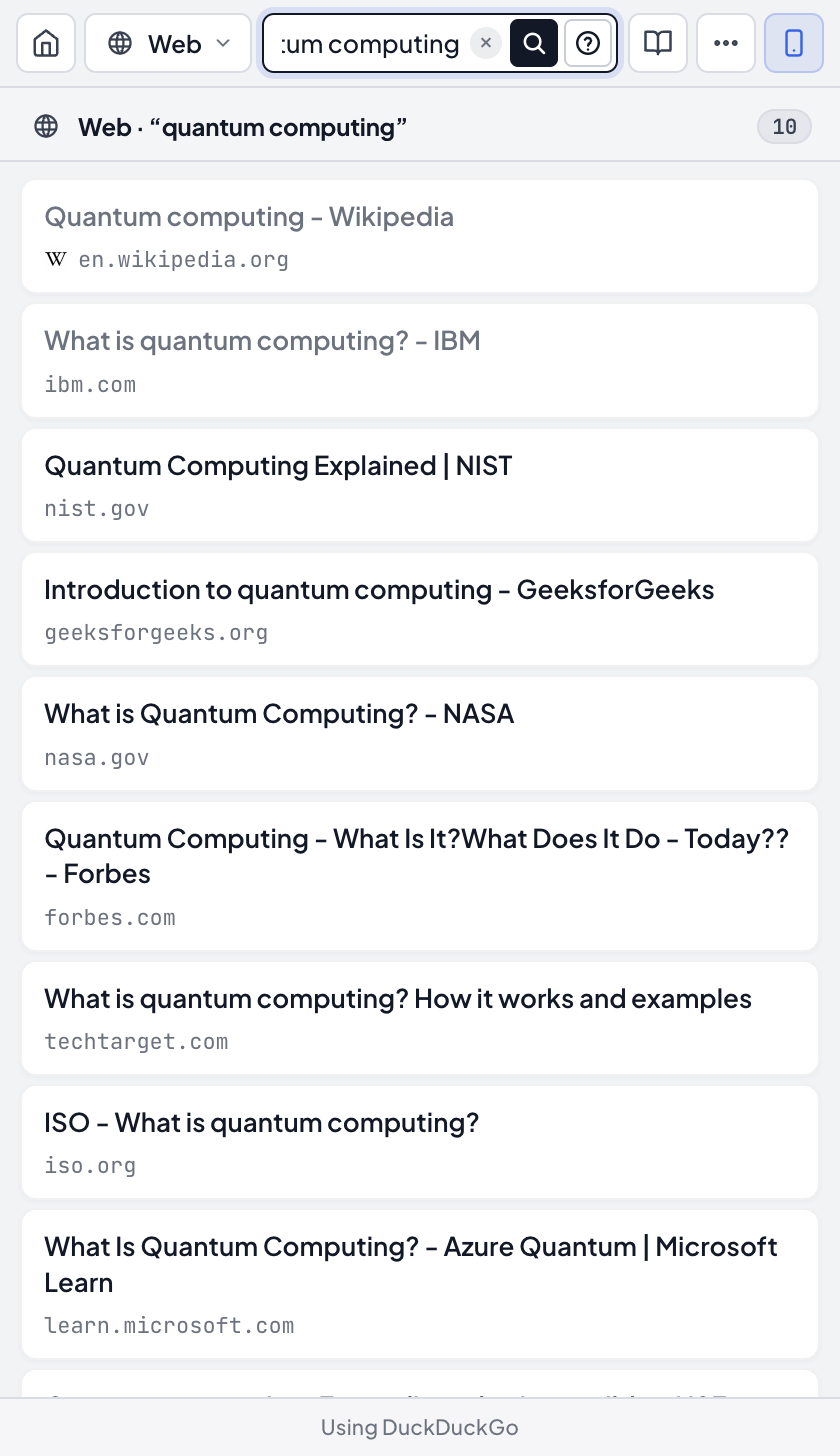
5. Collections & Compact Mode
Read hand-picked lists from the home screen, or open a narrow lookup window over your work.
Finite, hand-picked reading lists on the home screen.