Desktop Lookup & Broadsheet Reader
Ask. Read. Understand.
QUERI is a desktop app that answers your questions, shows you where the answers come from, and lets you flip through the real web pages without the clutter.
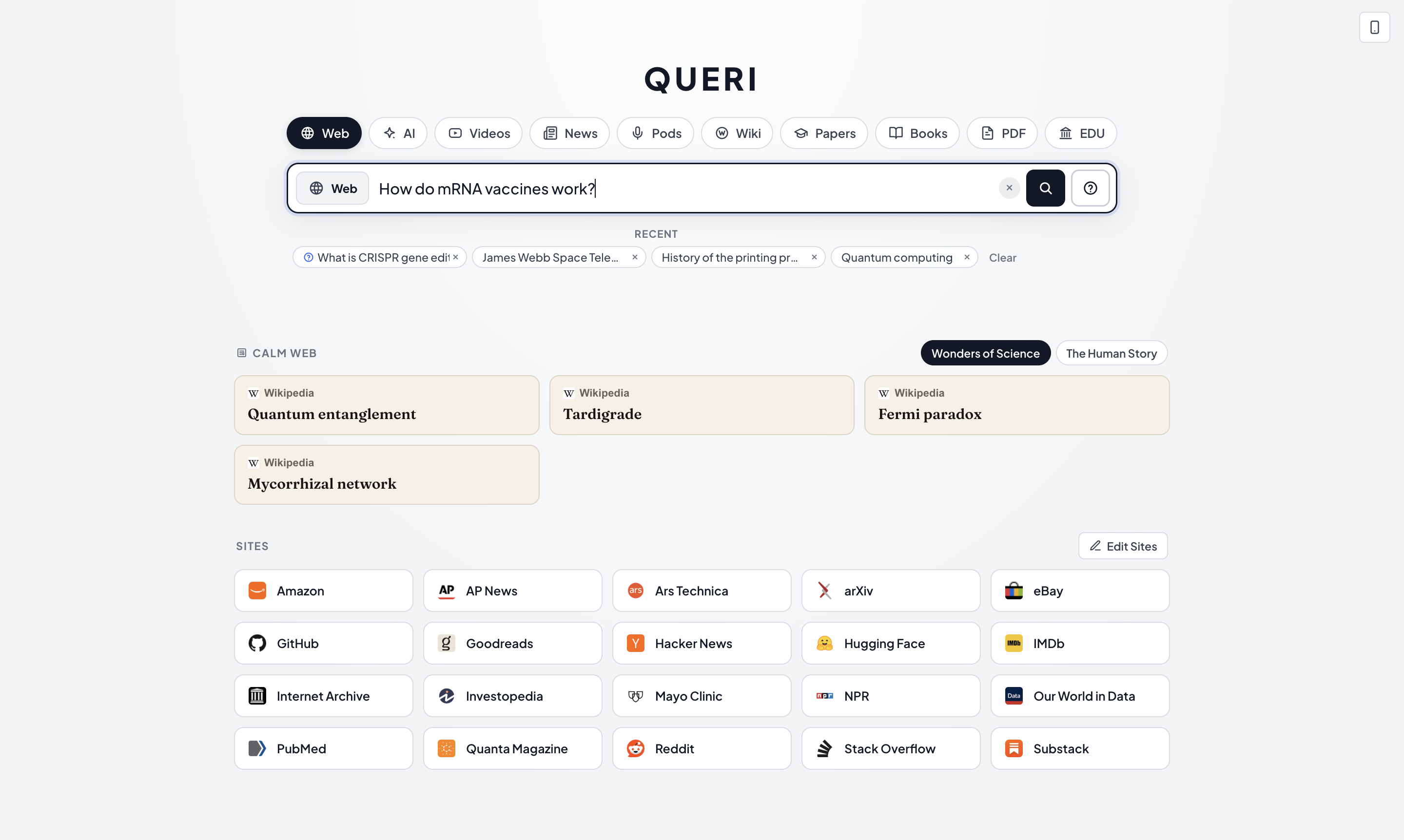
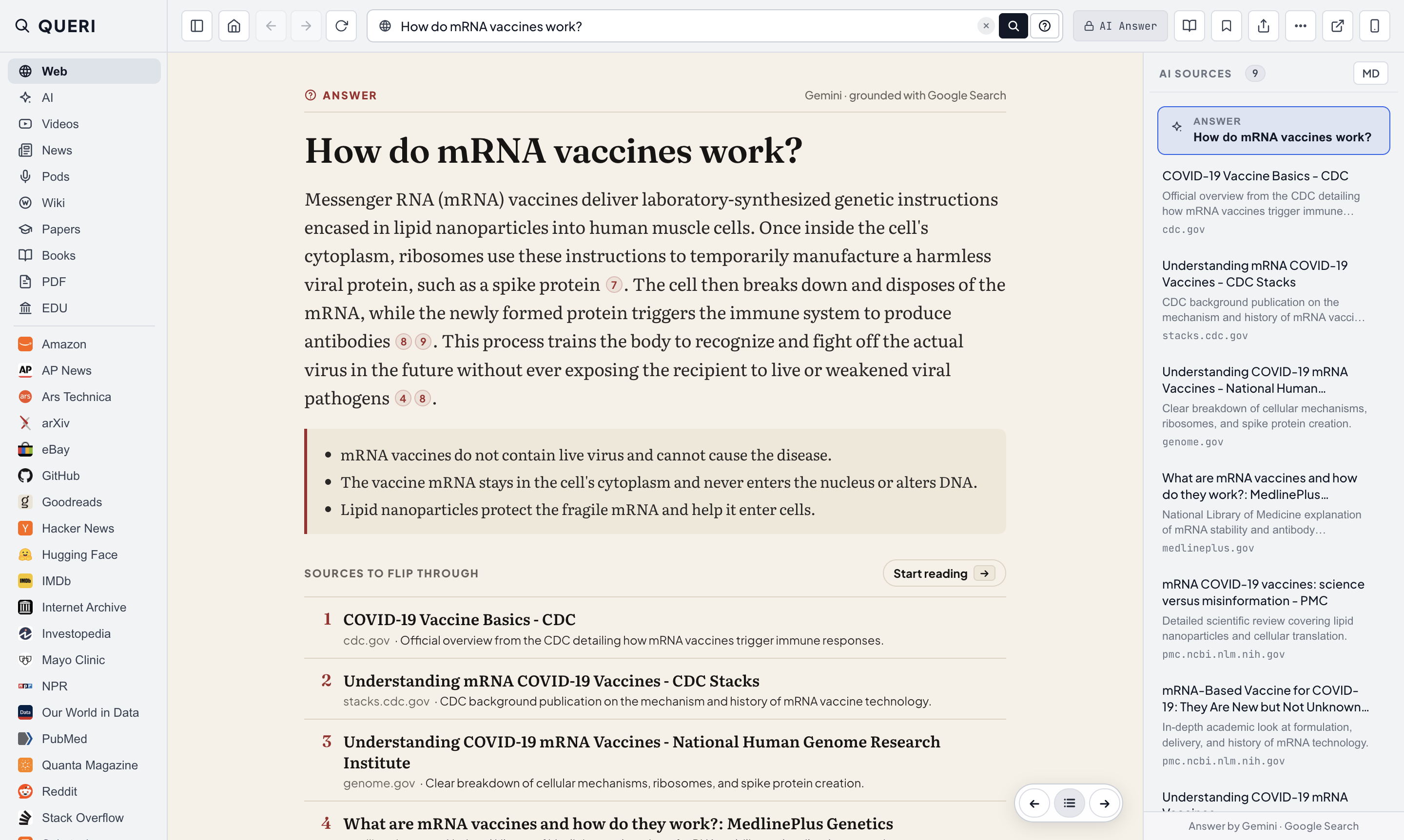
Type any question on the QUERI home screen. End with a ? (or click the ? button) for a grounded answer, or click the magnifier to jump straight to the top web page.


Interactive Comparison Slider
Slide from web noise to editorial calm.
Drag the divider across the screen—or pick a transformation above—to see how QUERI turns raw web pages and plain questions into structured, distraction-free reading.
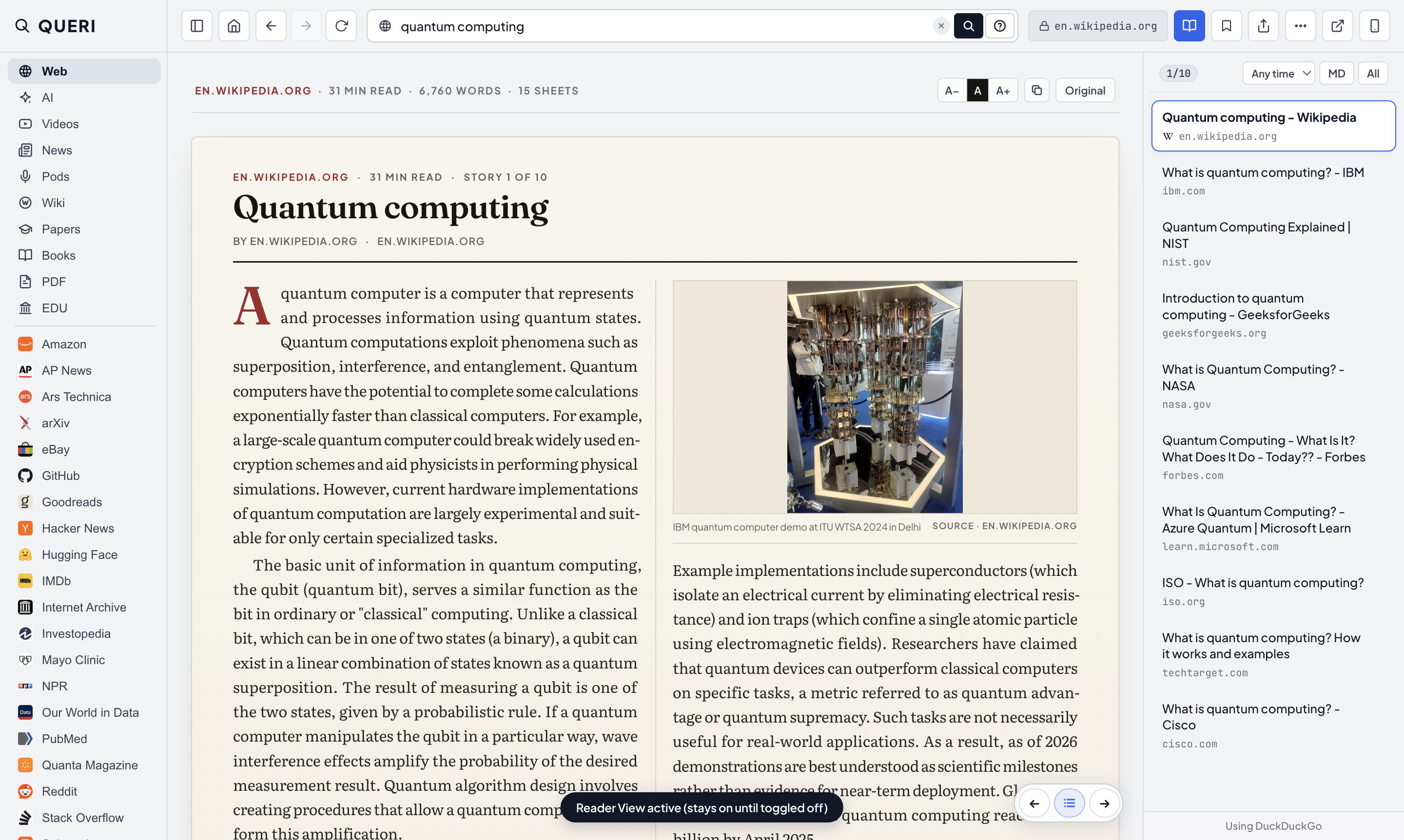
Drag the slider to see how one keystroke (⌘E) strips away web chrome and sets any article into a calm, two-column print broadsheet.


Why we built it
Looking things up shouldn’t be this tiring.
01 · Tab sprawl
A browser full of tabs before you’ve typed anything.
Opening your browser to check one fact pulls you right back into your open work tabs, notifications, and unread feeds.
02 · Noisy search pages
A page of links, half of them ads—or an AI with no sources.
Search engines make you middle-click ten links just to find two good ones. Chatbots give you an answer, but hide the pages it came from.
03 · Cluttered reading
Popups, banners, and autoplay video on every page you open.
Even when you reach a good source, you spend the first ten seconds closing cookie banners, newsletter modals, and floating videos.
QUERI does one thing: helps you find out about something, calmly.
01 · Flip, don’t tab
Go through sources like pages in a magazine.
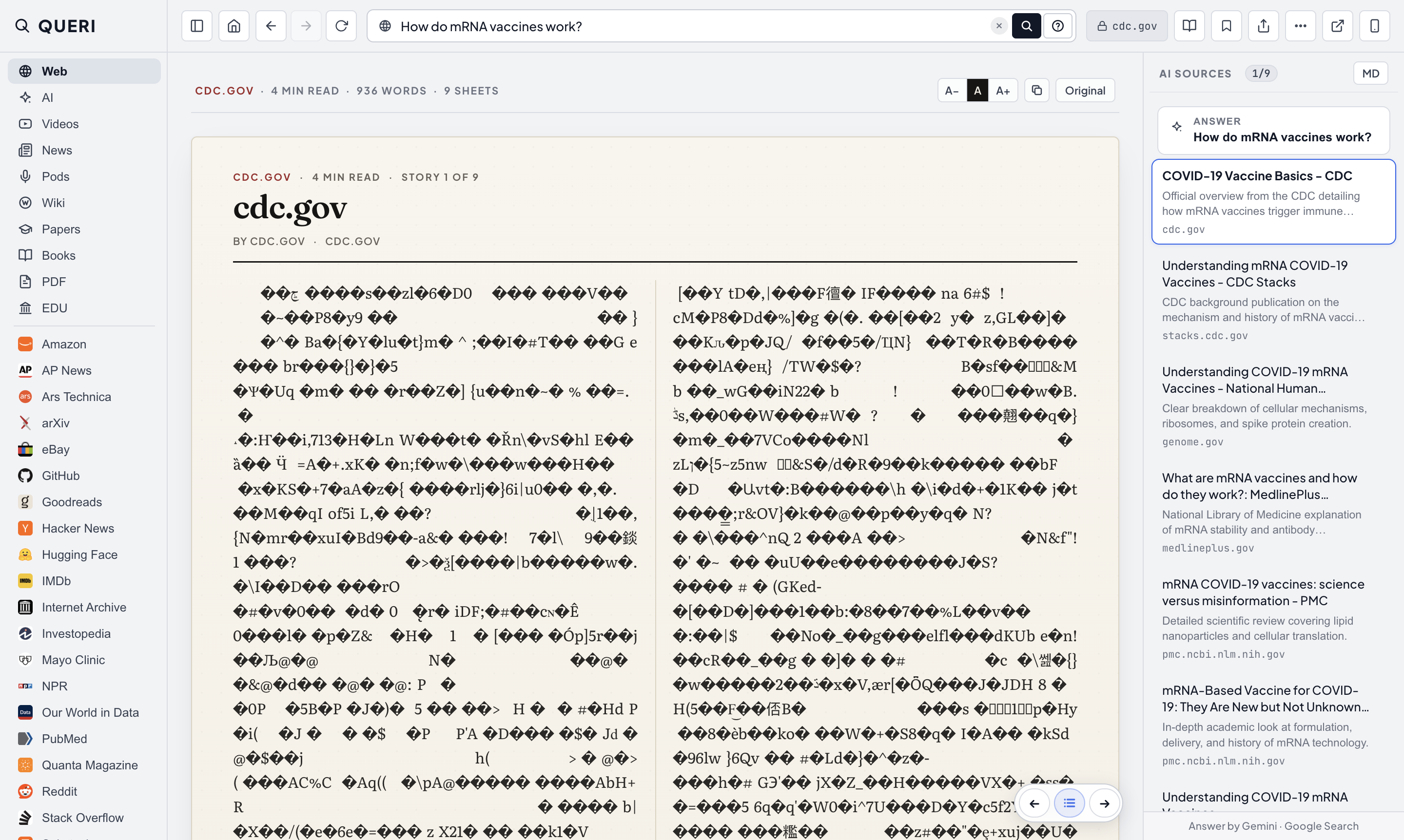
Run a search and QUERI opens the top result immediately. Press → and ← to move from one result to the next. Ads and popups are already gone, and the next page is pre-fetched in the background.
When you search the web, QUERI opens Result #1 immediately in the center while keeping the full numbered result list pinned on the right.


02 · Channels & 2,000+ Sites
One question. Every place worth asking.
Type your question once, then click any channel—Web, AI, Videos, News, Pods, Wiki, Papers, Books, PDF, or EDU—or any of more than 2,000 specific sites like arXiv, GitHub, Hacker News, and Reddit.
Switch to the AI channel (or end any query with ?) for a concise synthesis backed by live web search and verified citations.


03 · Broadsheet Reader & Extract Tools
Clean reading in. Clean notes out.
Read any article as a two-column newspaper broadsheet. When you find something worth keeping, copy a ready-made citation, extract tables or outlines as clean Markdown, bundle your top sources for ChatGPT or Claude, or save the page locally.
Broadsheet mode strips away sidebars, popups, and sticky headers, setting the article in Literata and Fraunces on warm paper.


Markdown Link & Deep Quote
[Quantum computing – Wikipedia](https://en.wikipedia.org/wiki/Quantum_computing#:~:text=quantum%20superposition)
Page Tables → Markdown
| Property | Classical Bit | Qubit | | --- | --- | --- | | State | 0 or 1 | Superposition |
AI Context Bundle (MD button)
# Research Context: mRNA vaccines ## Source 1: CDC (cdc.gov) ## Source 2: NIH (genome.gov)...
04 · Collections & Compact Mode
Read something good—or ask from anywhere.
When you don’t have a specific question, browse hand-picked Collections on the home screen. And when you’re deep in another app, press ⌘⇧Space to drop down QUERI’s Compact window, get what you need, and keep working.
When you open QUERI without a specific question, hand-picked Collections sit quietly on the home screen—curated reading lists with no infinite scroll.


Built for one job
What QUERI is, and isn’t.
What it is
- • A fast, calm desktop app for finding out about a topic.
- • Short AI answers paired with verified source pages you flip through with arrow keys.
- • A distraction-free broadsheet reader and note extractor.
What it isn’t
- • Not a full web browser replacement—no tabs, extensions, or password managers.
- • Not an endless chat window or social feed.
- • Any page opens in your default browser in one click (⌘O).
Privacy by default
Your questions are your business.
- No account needed to search. Download the app and start asking questions right away.
- Local history and bookmarks. Your recent searches, saved pages, and custom sites stay on your computer—never synced to our servers.
- Clear boundaries on AI. When you ask an AI question, only that question is sent to Google’s Gemini API to generate a grounded answer. Regular web and site searches never touch AI.
Questions & Answers
Frequently asked questions
Is QUERI a web browser?
No. QUERI is built for one job: looking things up and reading the sources without clutter. Your regular browser stays for email, docs, banking, and web apps—and any page in QUERI opens in your default browser with one click (⌘O).
How is QUERI different from Perplexity or ChatGPT?
Chatbots keep you inside a chat thread and ask you to trust their summary. QUERI gives you a brief, cited answer on page 0 and puts the actual source websites on pages 1, 2, 3… so you can press → and read the primary sources yourself.
Which search engines and AI models does it use?
Web results come from DuckDuckGo (with resilient fallbacks), plus direct searches on each channel or site you pick (such as Wikipedia, arXiv, GitHub, Reddit, or YouTube). AI answers use Google Gemini grounded with Google Search, and every cited link is checked before you see it.
Does it block ads and cookie popups?
Yes. Ads, tracking scripts, and most cookie consent banners are blocked automatically at the network and stylesheet level. If a site ever looks broken, you can pause blockers for that domain in two clicks.
Is QUERI free?
Yes, QUERI is free to download for macOS, Windows, and Linux, with no account or sign-up required.
Which computers does it run on?
QUERI runs on macOS 13+ (both Apple Silicon and Intel), Windows 10 and 11 (installer and portable .exe), and 64-bit Linux (AppImage and Debian/Ubuntu .deb).
What data do you collect?
The QUERI desktop app has no analytics, no telemetry, and no user accounts. Your search history and saved pages live only on your computer. Read our plain-language Privacy Policy for the full breakdown.